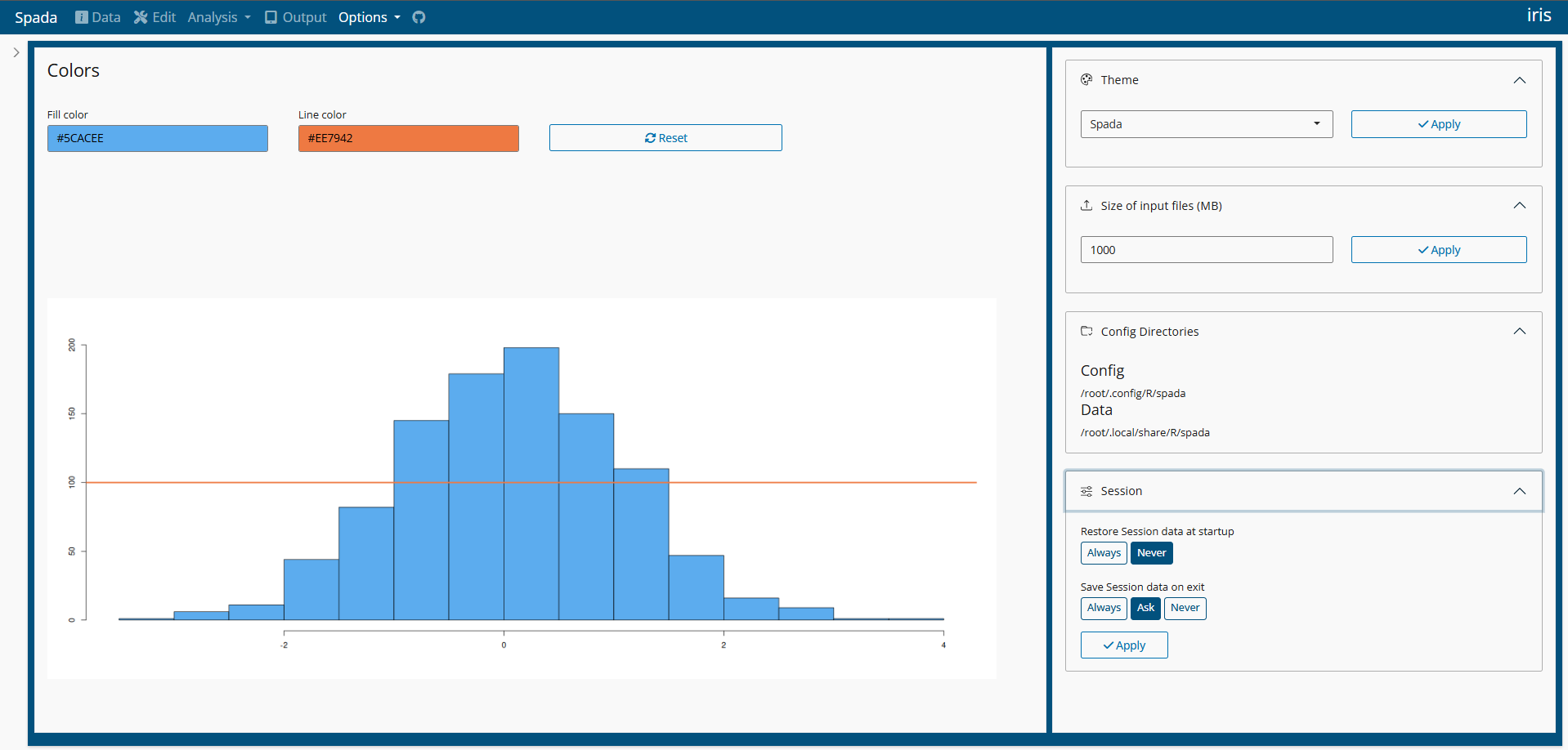
A 'shiny' Package for Data Analysis.
spada (Shiny Package for Data Analysis) 
The goal of spada is to provide visual tools for Data Analysis in a Shiny App.
This package is inspired in many other tools like:
IBM SPSS Statistics (https://www.ibm.com/products/spss-statistics)
R Commander package (https://CRAN.R-project.org/package=Rcmdr)
Jamovi (https://www.jamovi.org/)
ydata profiling (https://docs.profiling.ydata.ai/latest/)
Warning: Spada is in active development.
Live Demo
You may try Spada in shinyapps.io Spada
Documentation
You can access Spada Book on this website: Spada Book.
Installation
You can install the development version of spada from GitHub using the command below. This way you will get the same packages used in the Spada development.
install.packages("remotes")
remotes::install_github(
  "lgschuck/spada",
  dependencies = TRUE,
  repos = 'https://packagemanager.posit.co/cran/2026-01-30'
  )
For a specific release visit Releases and change the ref parameter bellow for the tag name:
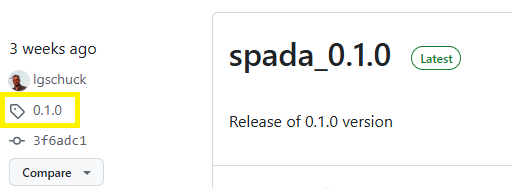
remotes::install_github(
  "lgschuck/spada",
  dependencies = TRUE,
  repos = 'https://packagemanager.posit.co/cran/2026-01-30',
  ref = "0.1.4"
  )
Loading the package
library(spada)
Usage
if(interactive()){
  spada()
}
Docker
Spada is distributed as a Docker Image.
For instructions in how to download and use Spada go to Articles > Docker
You can use Docker Hub to search for diferent versions.
Screenshots
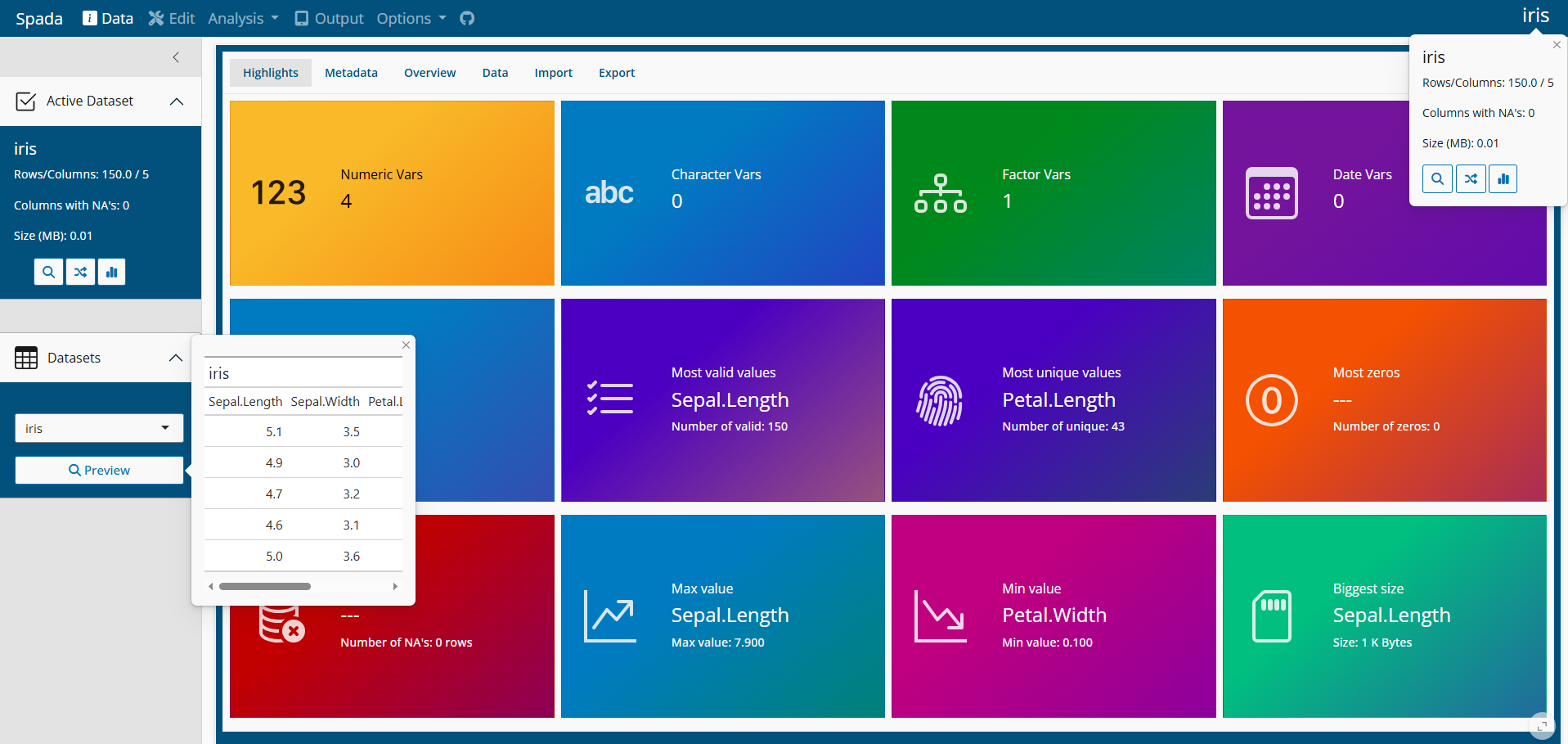
Data
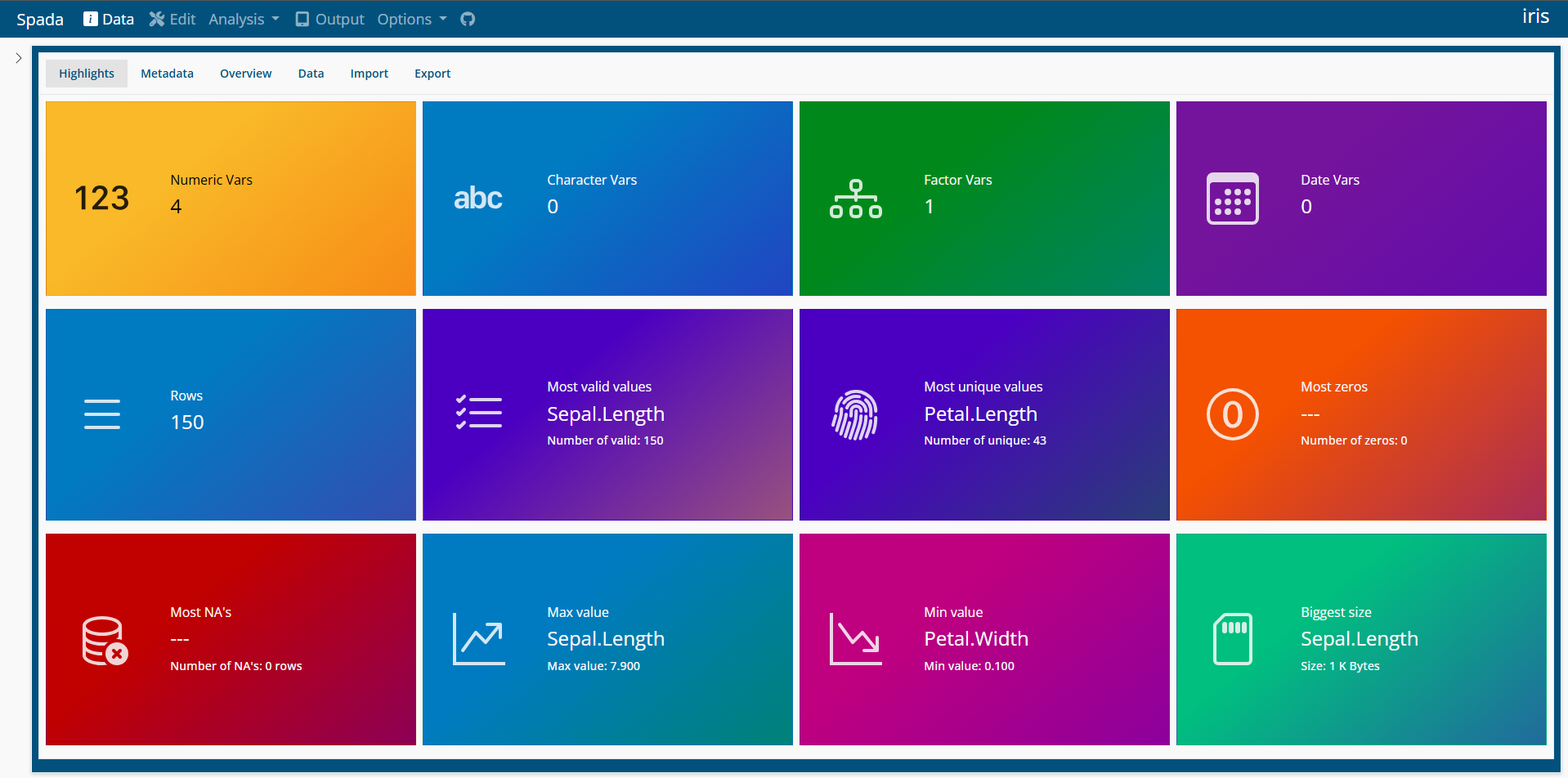
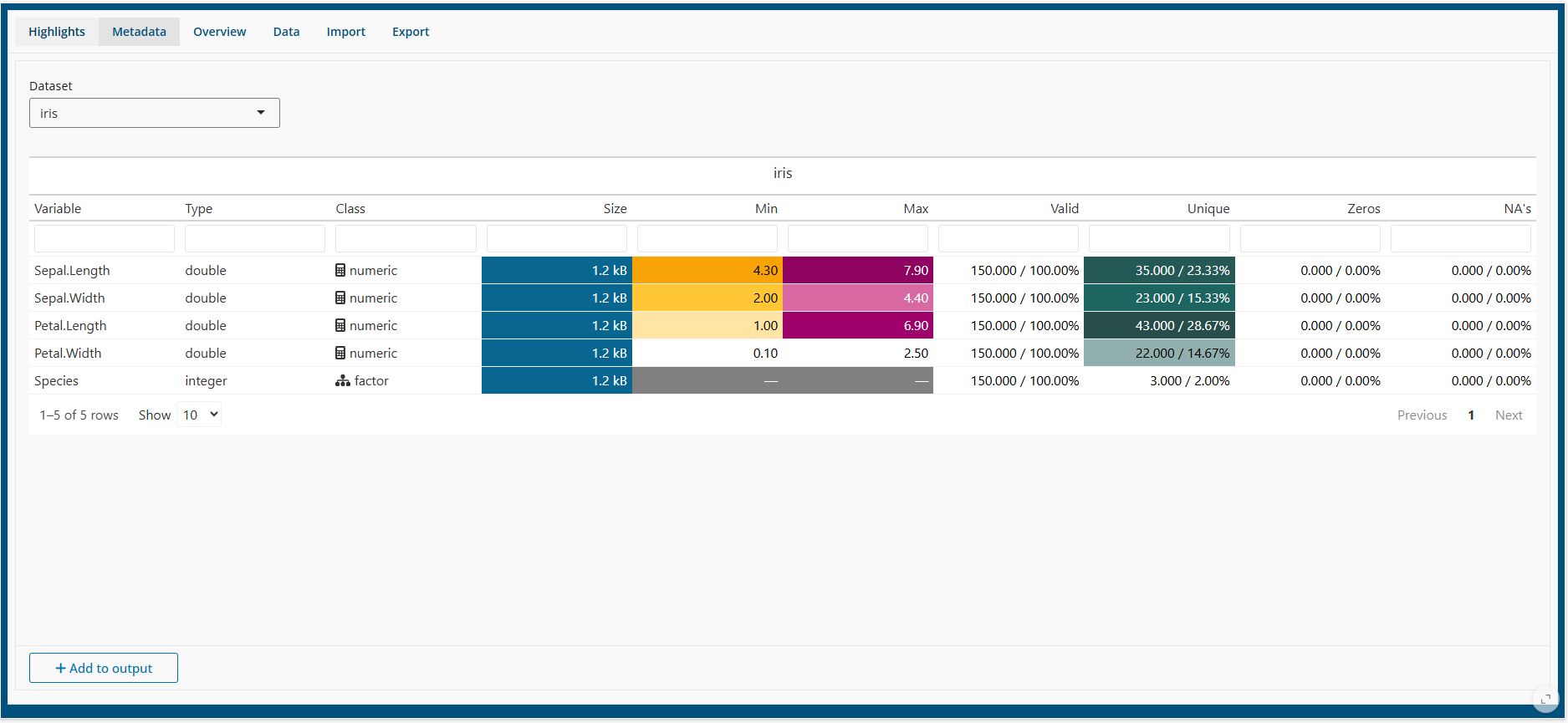
Data > Metadata
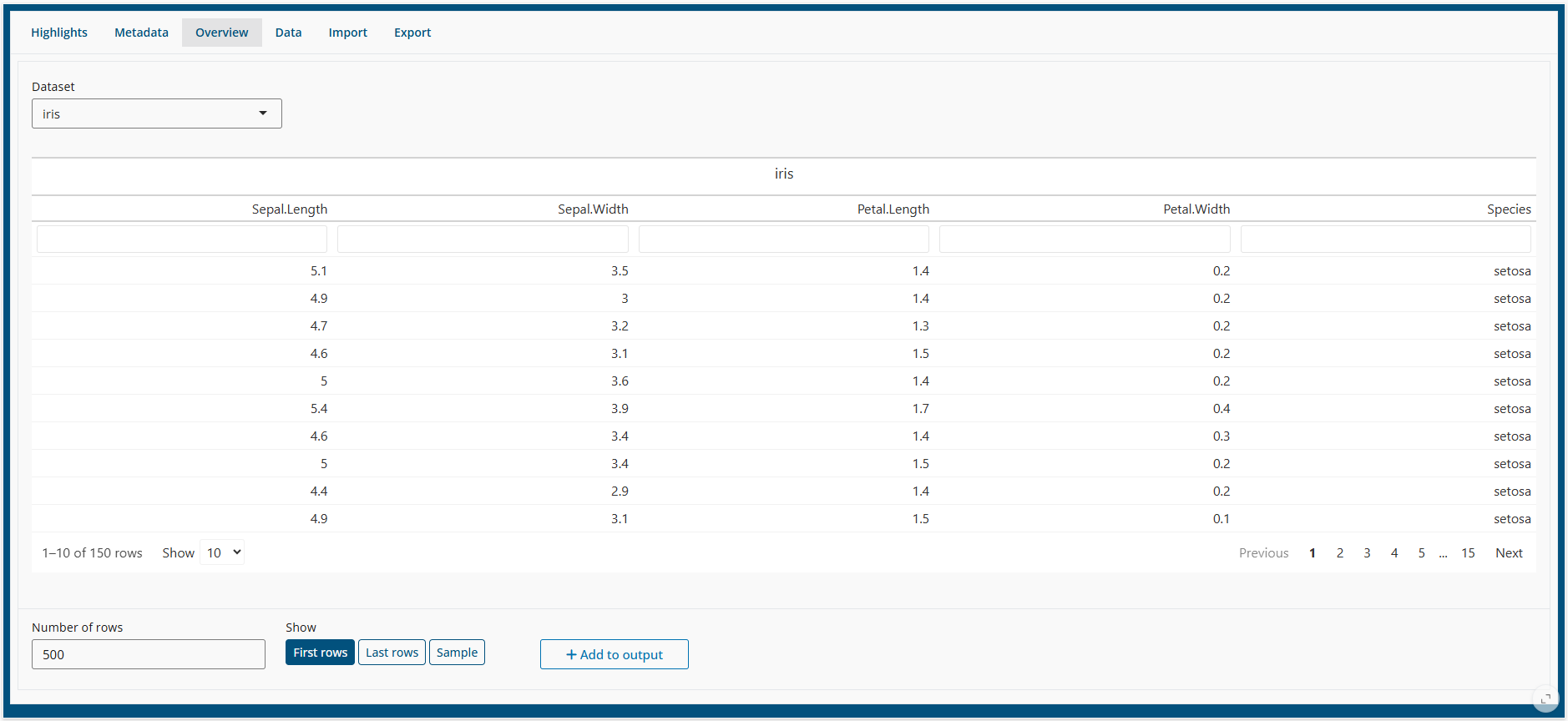
Data > Overview
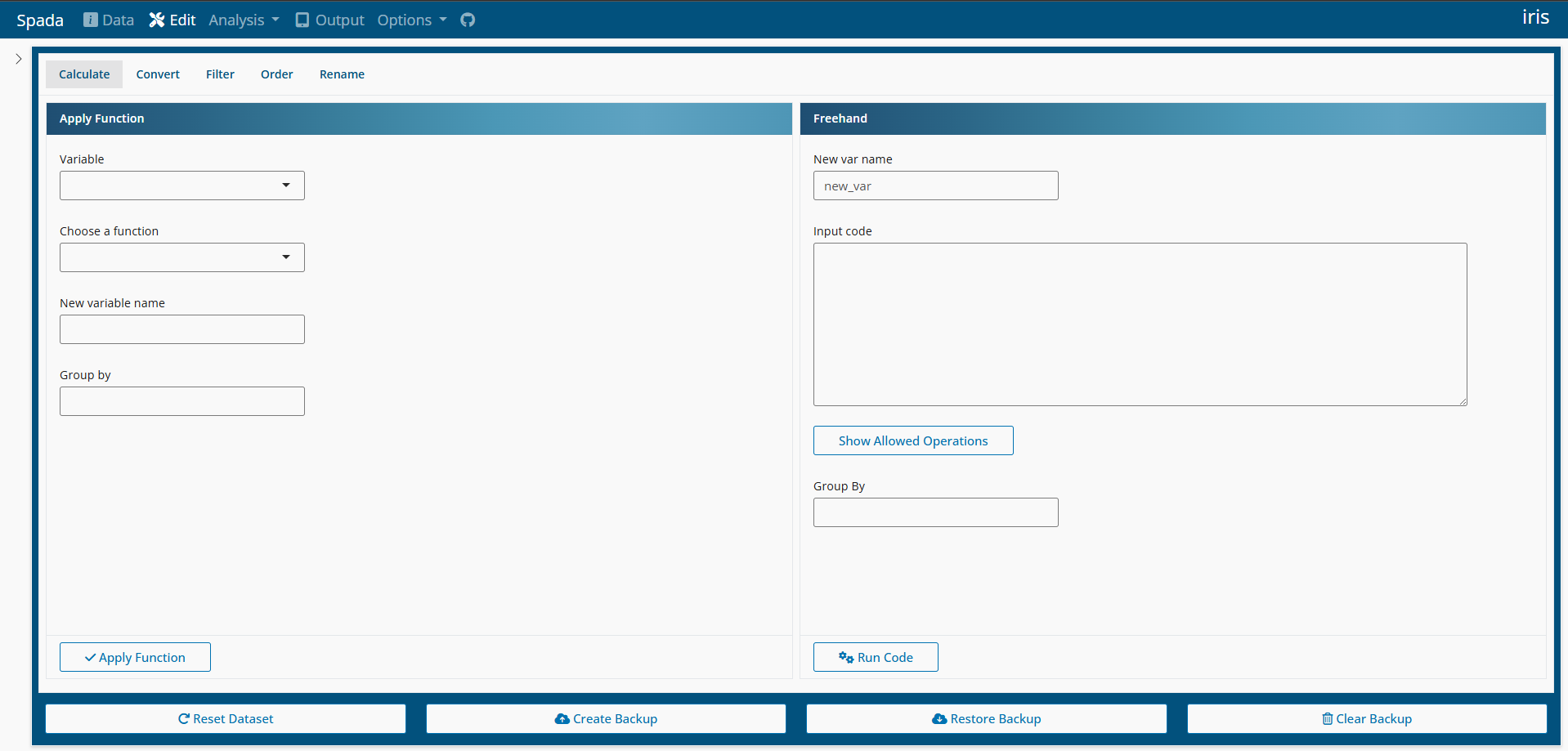
Edit
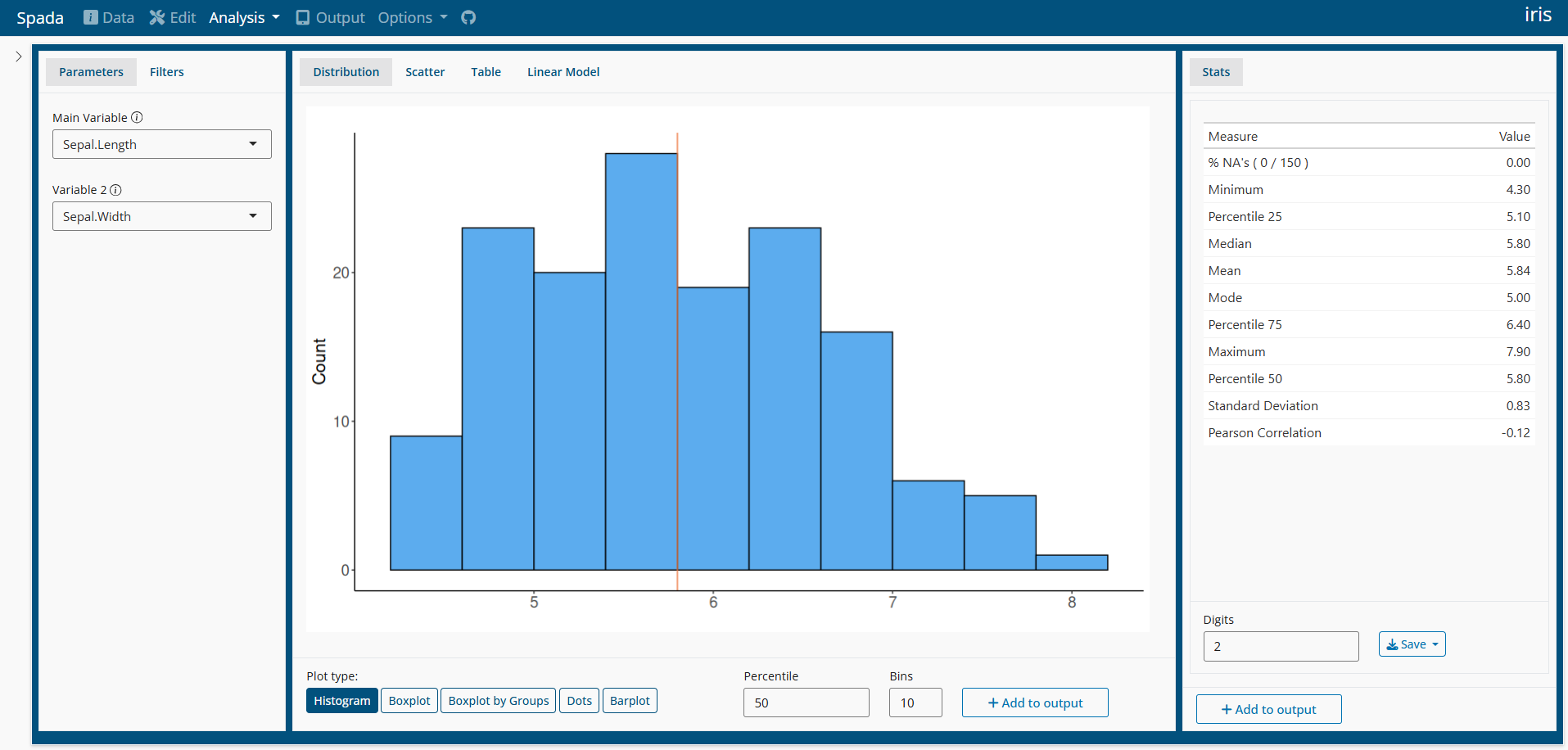
Analysis
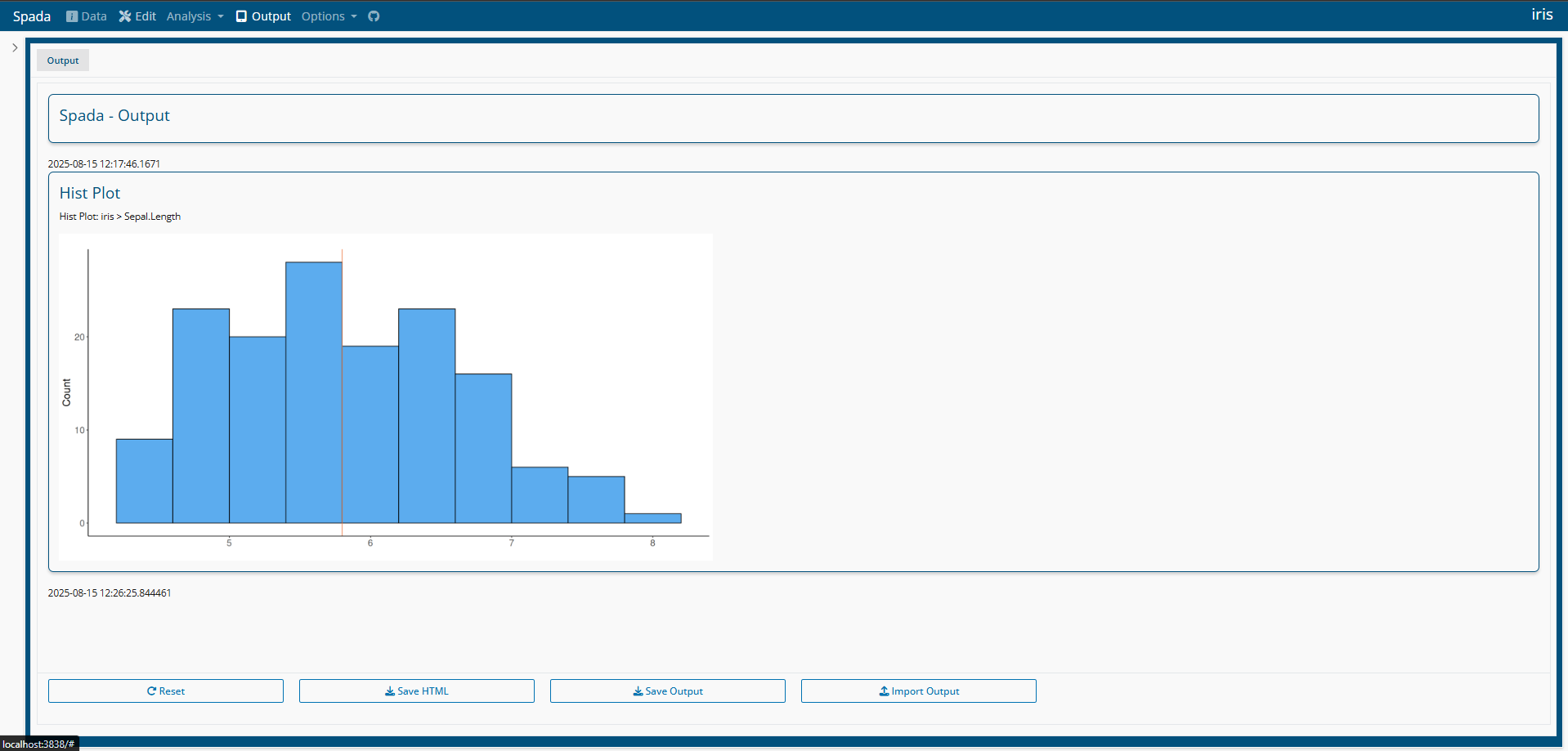
Output
Options.